

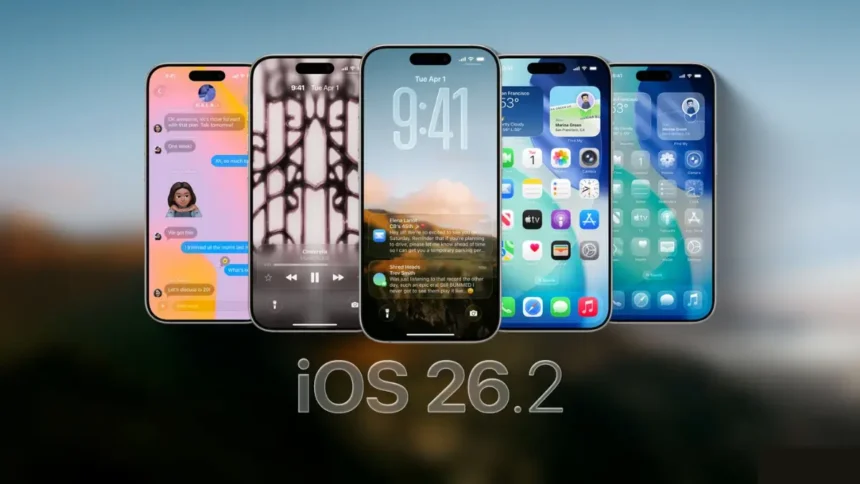
Apple’s iOS 26 software cycle is moving fast, and the next big update — iOS 26.2 — is shaping up to be an important release for millions of iPhone users. With reported improvements, design changes, new AI-driven tweaks, and enhanced security features, this update is more than just bug fixing.
Even more interesting, users still on iOS 18 are wondering whether Apple will release an alternative security patch, just like it did earlier with iOS 18.7.2. As we move into December, all eyes are on Apple’s upcoming release candidate and the signs pointing to when the final update will drop.
Here’s everything you need to know about the release date, expected features, and what this update means for your iPhone.
iOS 26.2 Release Date: Is Apple Ahead of Schedule?
Apple traditionally avoids shipping major updates too close to public holidays, and that gives us a good idea of when iOS 26.2 might appear. Based on developer activity and internal test timelines, mid-December remains the strongest prediction.
Most analysts suggest:
These dates align well with Apple’s release rhythm. Unless something unexpected happens, iOS 26.2 should arrive right before the holiday slowdown.
More Read

Interestingly, the update could even appear earlier. There have been no signs of delays, and developer reports indicate that Apple is ahead of its internal targets. If the release candidate (RC) drops sooner than expected, it would be a major indicator that the public rollout will also come earlier.
Apple skipped developer/public releases during Thanksgiving week, which is normal — avoiding holiday-week updates ensures users and developers have a smooth experience.
If anything changes, we’ll know quickly. A missing release candidate in the expected window would be the first hint of a delay. But for now, everything points to a timely mid-December release.
Will Apple Release an iOS 18 Security Update Alongside iOS 26.2?
This is one of the biggest questions for users who have not upgraded to iOS 26.
When Apple released iOS 26.1, it also pushed out iOS 18.7.2, a security-only update for people still on the older system. This ensured older-device users or cautious upgraders still received essential protection without switching to the new OS.
But this time, things may be different.
There’s a reasonable chance that iOS 18.7.2 may have been the final iOS 18 update for a while. Apple has historically reduced the frequency of older system updates after releasing new major versions, unless a severe security threat appears.
Whether we see iOS 18.7.3 will become clear only in the days following iOS 26.2’s launch. If Apple does roll it out, it will likely be limited to security fixes — no new features.
For now, users on iOS 18 should keep an eye on update notifications after iOS 26.2 goes live.
What’s New in iOS 26.2? A Look at the Upcoming Features
Even though this is not a major version update, iOS 26.2 brings several notable additions, polishing the iPhone experience across apps, UI design, privacy, and daily-use tools. Here’s a closer look at confirmed and expected features.
1. Liquid Glass Customization Gets a Boost
The new Liquid Glass visual effect introduced in iOS 26 gets further refinement. Apple is adding a transparency slider for the lock screen, letting users customize the intensity of the liquid effect.
The Measure app will also adopt this visual style, creating a more unified design language across iOS.
2. New Animations Across Menus
Apple is quietly refreshing the UI with smoother transitions and micro-animations. These design changes may seem small but contribute to an overall more polished feel.
3. Reminders App: Mark Tasks as Urgent
The Reminders app gets a productivity-boosting upgrade:
This is an excellent improvement for users who rely on reminders for time-sensitive tasks.
4. Freeform Adds Support for Tables
For the first time, Apple’s collaboration app Freeform will let users insert tables. This is significant because:
5. Apple News: Redesigned Navigation
Apple News is receiving a UI refresh including:
These updates aim to make categories and stories more accessible.
6. AirDrop Gets a One-Time Share Code
A major privacy-focused update:
You will soon be able to share files with someone not in your contacts using a one-time secure code.
This eliminates the need to temporarily set AirDrop to “Everyone for 10 Minutes,” improving privacy and preventing unwanted AirDrop requests in public places.
7. Offline Lyrics in Apple Music
Apple Music will now let you save song lyrics offline, making it easier to enjoy music — and karaoke sessions — without the internet.
8. Sleep Score Adjustment
Apple is reportedly tuning the algorithm to provide more realistic (and slightly lower) sleep scores. The idea is to push users to adopt healthier sleep habits without sugarcoating the results.
9. Podcasts App Improvements
Several upgrades are powered by Apple Intelligence:
This is especially helpful for educational and long-form content listeners.
10. Japanese Users Can Set Alternative Voice Assistants
In Japan, Apple is enabling the side button to launch voice assistants other than Siri — a compliance move aligned with regional regulations. This feature may roll out to the EU and possibly other regions next.
Is the Feature List Final?
Not yet. The beta cycle for iOS 26.2 is still active, and Apple may add or adjust features based on testing feedback. As always, the release notes will be the final confirmation.
👉 Also Read: Apple iOS 26.2 Release Date.
Final Thoughts
iOS 26.2 may not be a major update, but it brings meaningful improvements across the iPhone experience. With refined design elements, better productivity tools, stronger privacy features, and enhanced media apps, this release continues Apple’s trend of polishing the user experience throughout the year.
Whether you’re an early adopter or someone waiting for stability, December looks set to deliver a solid update — possibly sooner than expected.